
Franchise Website Launch Lost Traffic: Causes, Fixes and Recovery Plan

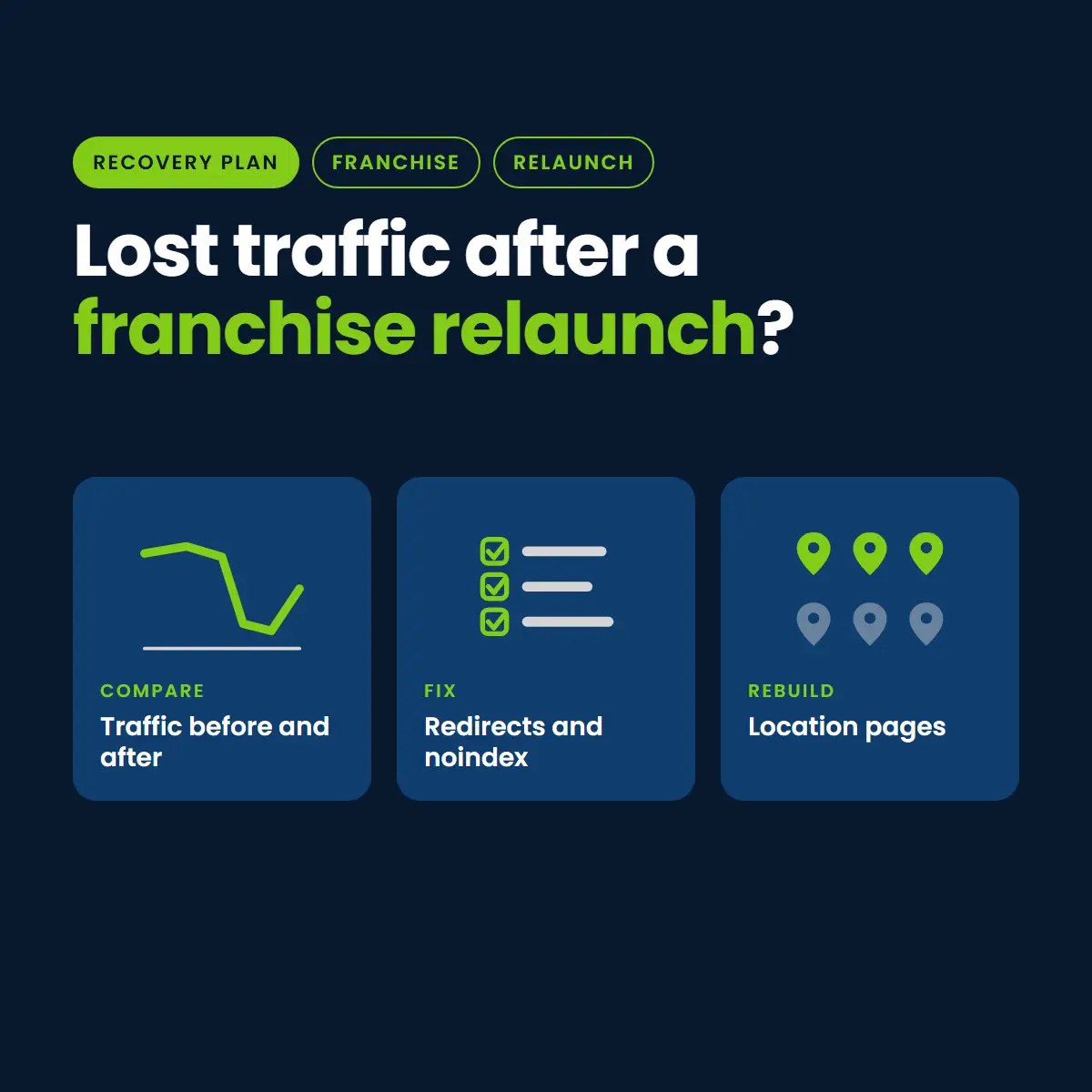
If your franchise or multi-location website lost traffic after a launch, the cause is almost never one thing. It is usually a handful of small technical and structural misses that multiply across dozens or hundreds of location pages.
This guide is the starting point. It shows you how to tell what happened, what to do in the first 72 hours, the most common launch mistakes, and how to rebuild without making it worse. It is written for franchise owners, marketing teams and franchisors in home services.
Why Franchise Sites Lose Traffic After a Launch
A single-location site has a few dozen URLs. A franchise site can have hundreds: one page per service, per city, per franchisee. Every one of those URLs has a title, a canonical tag, redirects, internal links and schema. A launch changes many of them at once, and a small mistake in a template repeats everywhere.
- Scale multiplies errors: one wrong rule in the template can break every location page.
- Many hands: corporate, the agency and franchisees may all touch the site.
- Old URLs get abandoned: pages that earned links and rankings move or disappear without redirects.
- Staging settings leak: a noindex or a robots block meant for the test site ships to the live one.
Check These Symptoms First
Match what you see to the likely cause. Then confirm it with data before you change anything.
- Traffic fell on one day, across the whole site: look for a launch-day block (noindex, robots rules), a tracking break, or a site-wide redirect problem.
- Only some location pages dropped: look at thin or duplicated location copy, wrong canonicals, or pages that lost their old URL.
- Branded searches held but service searches fell: look at titles, headings and internal links on service pages.
- Calls and form fills fell but traffic did not: look at call tracking, form routing and the booking link.
- Google Business Profile views fell: look at name, address and phone mismatches between the site and the profile.
- Impressions fell, clicks followed: pages may have dropped out of the index; check Search Console indexing reports.
A drop that lines up with a Google update window is a different problem. We cover that in our post on the August 2026 spam update and franchise websites.
The 72-Hour Plan
Hours 0 to 24: confirm and contain
- Compare Search Console clicks and impressions for the two weeks before launch and the days since, by page and by query.
- Check that the live site is not blocked: view the page source for a noindex tag and open the robots.txt file.
- Check that analytics and call tracking are firing on the live site.
- Test the top 20 old URLs from before launch and note which return 404 instead of redirecting.
Hours 24 to 48: fix what is broken
- Remove any leftover noindex tag and robots block.
- Add 301 redirects from every old URL that earned traffic or links to its closest new page.
- Correct canonical tags that point to staging, to the wrong location, or to the home page.
- Resubmit the sitemap and use URL Inspection to request indexing for your most important pages.
Hours 48 to 72: protect and document
- Restore titles, meta descriptions and schema that were dropped.
- Confirm name, address and phone match across the site and every Google Business Profile.
- Write down every change with the date, so you can tell what helped.
- Set a daily check on Search Console for the next two weeks.
The Eight Launch Mistakes That Cost Franchises Traffic
1. Missing or wrong redirects
When a URL changes, Google needs a permanent redirect to the new address. Without one, the old page returns an error, its rankings are lost, and the links pointing to it stop helping. Google’s own guidance on moving a site with URL changes starts with mapping old URLs to new ones.
2. A staging noindex left on
Test sites are blocked on purpose. If that setting ships to the live site, pages can drop out of search. Google explains how to block or allow indexing; check the live source for the tag after every launch.
3. Wrong canonical tags
A canonical tells Google which version of a page is the main one. Pointing every location page to the home page, or to a staging address, tells Google to ignore them.
4. Titles, metas and schema dropped
New templates often lose the titles and descriptions that were tuned over years. Structured data must also match the visible page, as Google’s structured data guidelines require.
5. Thin or duplicated location pages
Fifty pages that differ only by the city name give Google little reason to rank any of them. Each location needs its own local detail: the team, the service area, real projects and real reviews.
6. Broken internal links and sitemaps
A launch can leave menus and body links pointing at removed pages, and a sitemap listing URLs that no longer exist. Both waste crawling and confuse Google about what matters.
7. Lost tracking and call tracking
Sometimes traffic did not fall at all; the tracking did. Confirm analytics, call tracking and form notifications on the live site before you assume a ranking loss.
8. Business profile and NAP mismatches
If the name, address or phone on the new site differs from the Google Business Profile, local visibility can suffer. Keep them identical everywhere.
Franchise Structure Decisions That Decide the Outcome
How the network is arranged on the web affects every page. Each model has trade-offs.
- One corporate site with location pages: authority is shared and management is simple, but every location page must be genuinely different.
- Separate microsites per franchisee: each owner has control, but authority is split, content drifts, and quality varies.
- A hybrid: a strong corporate hub with local pages managed under clear rules.
Whichever you choose, settle who owns the Google Business Profiles, the reviews and the location copy before launch. Our guide to multi-location website strategy and our multi-location marketing and franchise marketing pages go deeper.
How AI Search Changes the Picture
People now ask AI assistants for recommendations, and those answers lean on information that is clear, consistent and easy to confirm. After a launch, the things that tend to break that clarity are the same ones that hurt normal search: missing pages, inconsistent business details, and thin or generic location content.
- Keep one clear description of the business and each location, repeated consistently.
- Make sure every location page is crawlable and says who you are, where you work and what you do.
- Use accurate schema that matches the visible page.
- Keep reviews, citations and the Google Business Profile current.
None of this guarantees a recommendation, and no one can promise one. It removes the avoidable reasons an assistant would skip you.
The 30-Day Plan
- Week 1: finish the 72-hour fixes and confirm the index is recovering in Search Console.
- Week 2: audit every location page for thin or duplicate copy and rank them by lead value.
- Week 3: rewrite the highest-value location pages with real local detail.
- Week 4: fix remaining internal links, resubmit the sitemap and review progress against the pre-launch baseline.
The 90-Day Plan
- Rebuild the weakest location pages in priority order.
- Add proof where you have it: team, projects, reviews and credentials.
- Publish helpful content that answers the questions customers ask before they call.
- Compare leads, calls and impressions to the pre-launch baseline every month, and keep a change log.
Rollback or Fix Forward?
Roll back if the damage is site-wide and the old site is still intact: for example, a broken template that blocks indexing or breaks every page. Fix forward if the new site is sound and the problems are specific, such as missing redirects or thin pages. Either way, never make large changes without recording the baseline first.
How to Launch the Next One Without Losing Traffic
- Crawl the old site and keep a full list of URLs, titles and top landing pages.
- Map every old URL to a new one before launch.
- Test on staging, then check the live site for noindex, robots, canonicals and schema within the first hour.
- Confirm tracking, call tracking and forms work on the live site.
- Submit the sitemap and watch Search Console daily for two weeks.
Where to Go Next
If your network is in a specific trade, start with the page for your industry: HVAC, plumbing, roofing, pest control or landscaping and lawn care. For the technical basics behind location pages, see our guide to local SEO site structure and our local SEO service.
Want a second set of eyes on a launch that lost traffic?
👉 Book a free post-launch traffic review with Nation Media Design
The usual causes are missing redirects, a leftover noindex or robots block, wrong canonicals, dropped titles and schema, thin location pages, and broken tracking. Confirm which with Search Console and a crawl before changing anything.
There is no fixed time. Small, short fluctuations are common, but a steady or sudden drop that does not recover within a couple of weeks should be investigated with the 72-hour checks.
Roll back if the damage is site-wide and the old site is intact. Fix forward if the new site is sound and the problems are specific, such as redirects or thin pages.
Not necessarily. A strong corporate site with unique location pages shares authority and is easier to manage. Separate microsites give owners control but split authority and let quality drift.
AI assistants tend to favor clear, consistent, easy-to-confirm business information. Fixing missing pages, inconsistent details and thin location content helps both normal search and AI answers, but nothing guarantees a recommendation.