
Why AI Assistants Stop Recommending a Franchise After a Relaunch

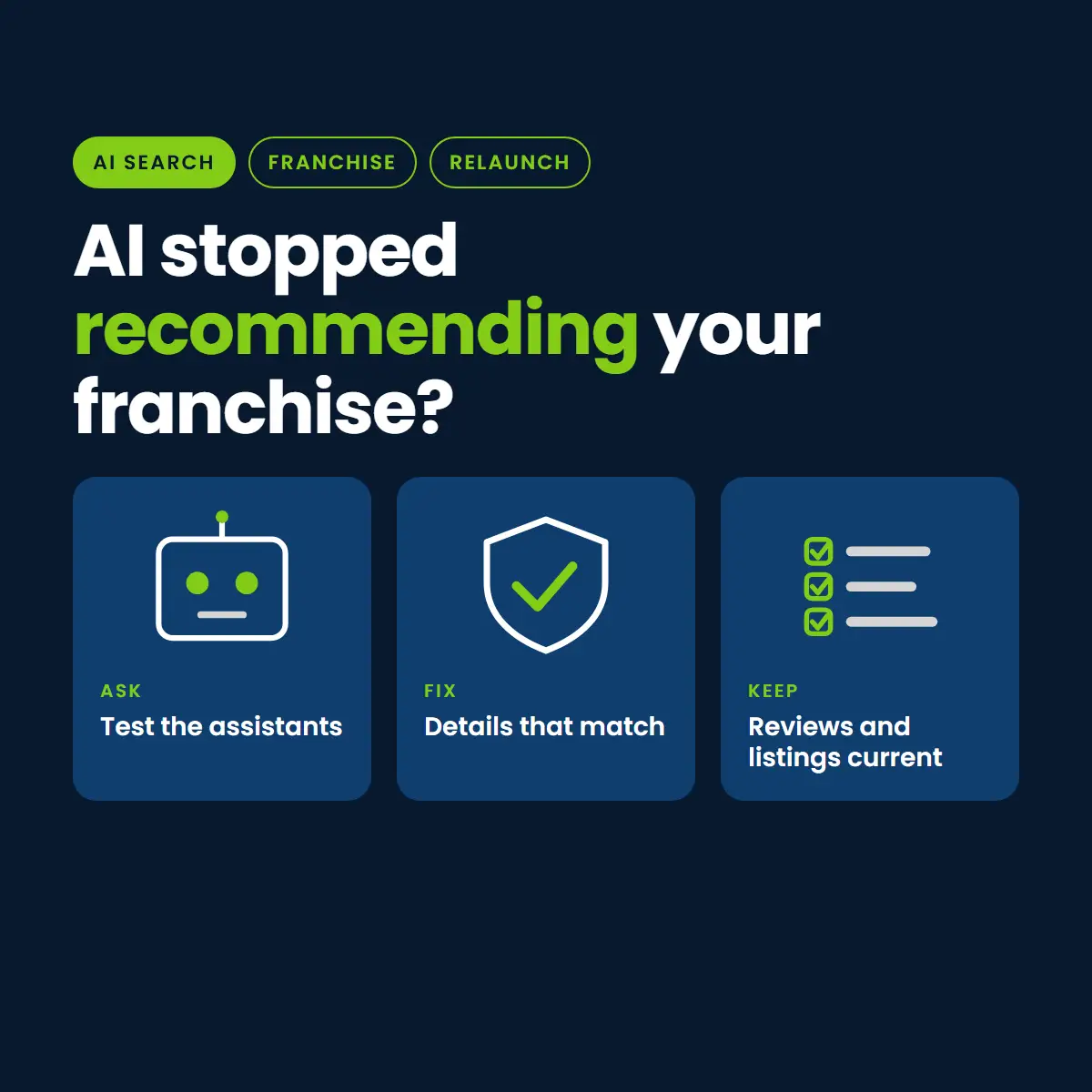
People now ask AI assistants who to call for a plumber, a roofer or an HVAC repair. If your franchise was recommended before a website relaunch and is not now, the cause is often the same set of avoidable problems that hurt normal search, along with a few that matter more to assistants.
No one can control what an AI assistant says, and anyone who promises a guaranteed recommendation is guessing. What you can do is remove the avoidable reasons you would be skipped. This guide is part of our franchise website recovery guide.
How Assistants Tend to Find Local Businesses
The way each assistant works differs, and the details change. In general, the answers they give about local businesses draw on information that is easy to find, consistent and easy to confirm: the business website, its Google Business Profile, directories, reviews and mentions elsewhere on the web. When those sources agree, the business is easier to describe with confidence. When they disagree or go missing, it is easier to skip.
What a Relaunch Can Break
- Pages that vanished: a location or service page that returns an error is information the assistant can no longer confirm. See our guide to missing redirects.
- Inconsistent business details: a new site with a different phone number, address format or business name than the Google Business Profile and directories creates doubt.
- Thinner location pages: a template that says the same thing for every city gives an assistant little reason to choose yours.
- Dropped structured data: accurate markup helps machines read the page. When it disappears, the page is harder to interpret.
- Blocked or slow pages: a robots block, a noindex tag or pages that fail to load can keep content out of reach.
- Lost review links and citations: old addresses that no longer work can cut the paths between your reviews, your listings and your site.
What to Fix, in Order
1. Make the pages reachable
Check that every service and location page loads, is not blocked, and is in your sitemap. Remove any leftover noindex tag.
2. Make the business details identical everywhere
Choose one exact form of the name, address and phone number for each location, and use it on the site, the Google Business Profile and the main directories.
3. Say plainly who you are and where you work
Each location page should state, in clear sentences, what the business does, which cities it serves, and how to reach it. Plain, specific wording is easier for both people and machines to use than slogans.
4. Add proof you can stand behind
Real reviews, licenses, years in business, named team members and project photos make a business easier to describe accurately. Only use what is true and can be shown.
5. Use accurate structured data
Markup should match what is visible on the page and follow Google’s structured data guidelines. Never add reviews or claims that do not appear on the page.
6. Keep reviews and listings current
Respond to reviews, keep hours and services up to date, and make sure listings link to working pages.
How to Check Where You Stand
There is no perfect measure, but you can test regularly.
- Write a short list of the questions a customer would ask, with the city and service, for example who repairs air conditioners near a given city.
- Ask several assistants and search engines the same questions on the same day.
- Record whether your business appears, how it is described, and which sources are cited.
- Repeat monthly and note changes after each fix. Results vary between runs, so look for trends, not single answers.
A Monthly Test Sheet You Can Copy
Keep the test simple and repeatable so changes are easy to see. Build a sheet with one row for every question and assistant you test.
- Date and assistant: which tool you used and when.
- Question: the exact wording, including the city and the service.
- Mentioned: yes, no, or mentioned with wrong details.
- Description: how the business was described, copied word for word.
- Sources cited: the websites or listings the answer pointed to.
- Competitors named: who appeared instead of you.
- Action: what you will fix because of this row.
Wrong details are worth as much attention as a missing mention. If an assistant gives an old phone number or a closed location, trace which source it came from and correct that source.
Franchise-Specific Points
- Check each location separately. A strong corporate brand does not guarantee that each city is described correctly.
- Make sure every location has one clear, current page and one Google Business Profile, with matching details.
- Look out for old locations or sold territories that still appear in directories.
- Keep the corporate site and the location pages consistent about services, areas and phone numbers.
What Not to Do
- Do not publish large numbers of near-identical pages written to attract assistants. This is the kind of mass-produced content Google’s spam policies target, as we explain in our post on the August 2026 spam update.
- Do not invent reviews, awards or credentials.
- Do not change business details on one site without updating the others.
Where to Go Next
For the wider recovery process, start with the franchise website recovery guide. If your network is in a specific trade, see our pages for HVAC, plumbing and roofing.
Want a read on how assistants describe your business?
A relaunch can remove or change what assistants rely on: pages that return errors, business details that no longer match your listings, thinner location pages and dropped structured data.
No. Each assistant works differently and results change. You can only remove the avoidable reasons you would be skipped.
Write a fixed list of customer questions with city and service, ask several assistants on the same day, record what they say and which sources they cite, and repeat monthly.
No. Mass-produced, near-identical pages are the kind of content search spam policies target. Fewer, genuinely useful location pages work better.