
Missing Redirects After a Relaunch: How to Find and Fix Them

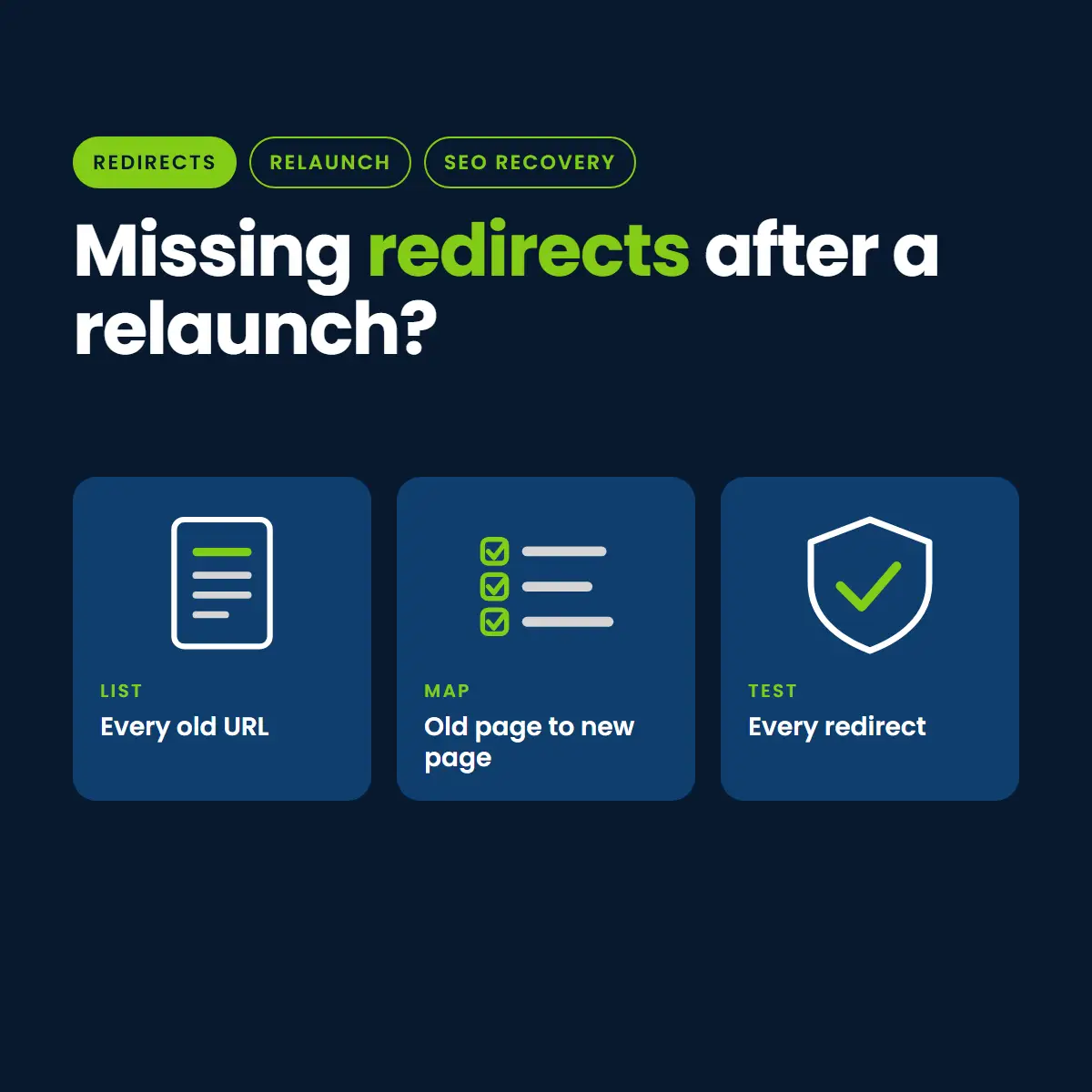
Missing redirects are one of the most common reasons traffic falls after a website relaunch, and one of the easiest to fix once you find them. When an old address stops working, its rankings and the links pointing to it stop working too.
This guide shows how to find every old URL, map it, redirect it, and check the result. It is a cluster page of our franchise website recovery guide, with notes for sites that have many location pages.
Why Redirects Matter
A permanent redirect tells Google that a page has moved and where it went. Without one, the old address returns an error, and Google has no way to carry the old page’s signals to the new one. Google’s guidance on moving a site with URL changes starts with mapping old URLs to new ones.
Step 1: Build the List of Old URLs
You need every address that ever earned traffic or links. Combine several sources, because no single one is complete.
- Search Console performance data, for pages that earned clicks.
- Your analytics landing pages report.
- The old sitemap, if you have a copy.
- A crawl of the old site, or a saved backup of it.
- A backlink report, for pages other sites link to.
- Google Business Profile links and any printed or advertised addresses.
Step 2: Find What Is Broken Now
Run the list through a crawler or a status checker. Sort the results.
- 404 or 410: the old page is gone with no redirect. These are your first priority.
- 302 or other temporary redirects: a permanent move should use a permanent redirect.
- Redirect chains: one address that hops through several others before landing. Shorten each to a single step.
- Redirect loops: addresses that send visitors in a circle. Fix at once.
Step 3: Map Each Old Page to Its Closest New Page
For each old address, pick the new page that best matches what the old one was about. Match by topic, not by convenience.
- Sending every old page to the home page loses the match. Google may treat that as an error rather than a real redirect.
- If a page has no true equivalent, redirect to the closest parent, such as the service category or the main location page.
- If the content is truly gone and nothing is close, a clear 404 or 410 page is acceptable.
Step 4: Handle Location Pages as a Pattern
Franchise and multi-location sites often change the address pattern for every location at once, for example from /locations/city/ to /city/service/. Do not write hundreds of rules by hand if a pattern covers them.
- Write one pattern rule per old address style, and test it against a sample from every location.
- Check the exceptions: locations that were renamed, merged or closed.
- Confirm every location still has one live page with its own content.
Step 5: Put the Redirects in Place
Use permanent redirects, applied at the server or through a redirect tool your site already trusts. Keep a single master list so every rule can be traced.
Step 6: Test and Watch
- Test the top 50 old addresses by hand and the rest with a crawler.
- Confirm each lands on the right page with one permanent redirect and returns a normal page.
- Update internal links and the sitemap to point at the new addresses, so your own site stops using the redirects.
- Watch the Search Console page indexing report and your server logs or 404 report for old addresses you missed, and add them as they appear.
When to Keep Redirects
Keep them as long as old addresses still receive visits or links. For important pages that is a long time, often years. Removing them early reopens the same loss.
A Redirect Map Template
A spreadsheet is enough. Give every old address one row and fill these columns.
- Old URL: the full old address.
- Source: where you found it (Search Console, analytics, sitemap, crawl, backlinks).
- Old traffic and links: clicks and linking sites, so you can sort by importance.
- New URL: the closest matching page, or blank if there is none.
- Match quality: exact, close, or parent page.
- Status after launch: the result of your test, for example one permanent redirect to a normal page.
Sort by old traffic and links and do the top rows first. A few dozen pages usually carry most of the value.
Special Cases to Check
- Secure and www versions: every version of your address should lead to one preferred version in a single step.
- Trailing slashes and capitalization: old addresses that differ only in these should resolve to the same new page.
- Query strings and tracking links: old campaign links with extra parameters should still land on the right page.
- Images and documents: PDFs and images that other sites link to may need redirects too.
- Old blog and category pages: tag and category archives often hold links and rankings that are easy to forget.
Common Redirect Mistakes
- Redirecting to a page that is itself a redirect, which creates chains.
- Using a temporary redirect for a permanent move.
- Pointing old location pages at the franchise home page instead of the new location page.
- Leaving old addresses in the sitemap and menus, so Google keeps finding the redirect instead of the real page.
- Redirecting before the new page is live and complete.
A Quick Checklist
- Full list of old URLs built from at least three sources.
- Every old URL mapped to a specific new page.
- Permanent redirects live, with no chains or loops.
- Internal links, menus and sitemap updated to the new addresses.
- Top 50 addresses tested by hand, the rest by crawler.
- A weekly check for new 404s for the first month.
Want us to check your redirects?
👉 Book a free post-launch traffic review with Nation Media Design
Without a redirect the old address returns an error, so Google cannot move the old page’s signals to the new one, and links to the old address stop helping.
No. Match each old page to the closest new page by topic. Blanket redirects to the home page lose the match and can be treated as errors.
As long as old addresses still receive visits or links. For important pages that is often years.
Write one pattern rule per old address style, test it against a sample of every location, and then check renamed, merged or closed locations by hand.