
Traffic Dropped After Our Website Relaunch: Where to Look First

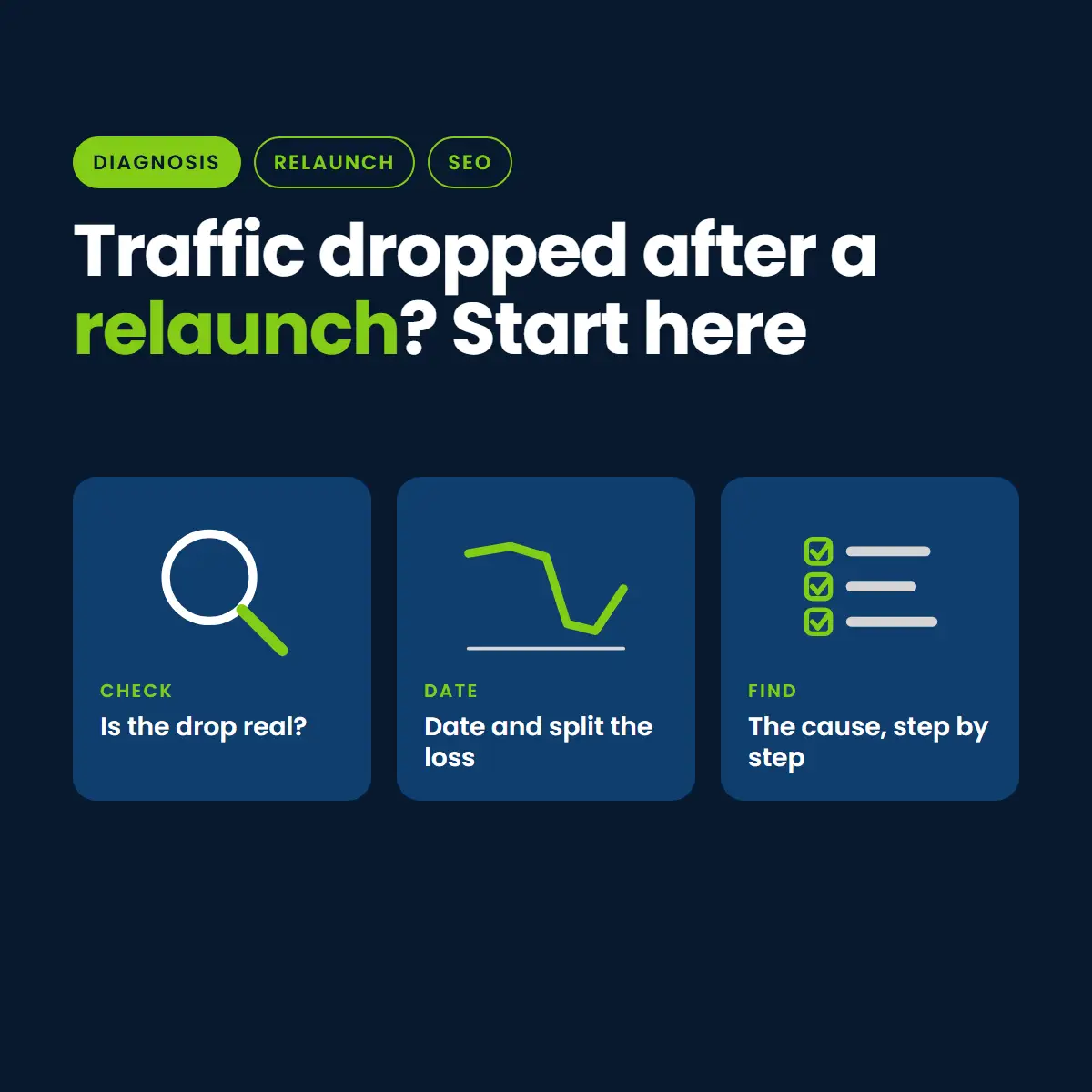
Your website relaunched, and the numbers fell. Before you change anything, find out what actually happened. Most post-launch drops come from a small number of causes, and each leaves a different fingerprint in your data.
This is the order we work in. It is part of our franchise website recovery guide, and it works for any business, with extra steps for multi-location sites.
Step 1: Confirm the Drop Is Real
Sometimes traffic did not fall at all. The tracking did. Compare three sources before you trust any one of them.
- Search Console clicks and impressions: these come from Google, not from your site code.
- Analytics sessions: if these fell but Search Console did not, check that the analytics tag is on every page of the new site.
- Calls and form fills: if leads held while sessions fell, tracking is the likelier culprit.
Step 2: Date the Drop
The date points to the cause. Write down the exact day traffic changed and compare it with two things: the day you launched, and any Google update in that period.
- Drop on launch day: look for a block, missing redirects or a broken template.
- Drop days or weeks later: pages may be falling out of the index slowly, or a ranking system may have re-evaluated the new pages.
- Drop that matches an update window: read our post on the August 2026 spam update before assuming the launch was the cause.
Step 3: Split the Drop by Page, Query and Location
A site-wide number hides the answer. In Search Console, compare the period before launch with the period after, then sort by lost clicks.
- Which pages lost the most? Are they the pages whose addresses changed?
- Which queries lost the most? Branded or non-branded?
- For a multi-location site, did every location drop, or only some?
If only the pages with new addresses dropped, suspect redirects. If only location pages dropped, suspect thin or duplicated copy or wrong canonical tags.
Step 4: Check That Google Can Index the New Site
- View the source of a few live pages and search for a noindex tag.
- Open the robots.txt file and confirm it is not blocking the whole site.
- In Search Console, open the page indexing report and look for a jump in pages that are not indexed, and the reasons given.
- Use URL Inspection on a key page and compare the Google-selected canonical with the one you declared.
Step 5: Check the Old URLs
Take your top 20 pages from before the launch and test each old address. Each should land on the closest new page with a permanent redirect. Any 404 is a lost ranking. Our guide to finding and fixing missing redirects covers the full process.
Step 6: Compare the Pages Themselves
Put an old page and its replacement side by side. Look for a changed title, a shorter or thinner body, removed headings, lost internal links, or dropped structured data. A new design that says less than the old page often ranks lower.
How Long Is a Normal Dip?
There is no fixed answer. Small, brief swings are common after a launch. A drop that is steep, sudden, or still there after a couple of weeks deserves the checks above, not more waiting.
What to Do Next
- Fix blocks and redirects first. They are fast and affect the most pages.
- Then correct canonicals, titles and schema.
- Then improve thin pages in order of lead value.
- Keep a dated log of every change so you can see what helped.
What Each Cause Looks Like in Your Data
Once you have split the drop, match the pattern to the likely cause. These are tendencies, not proof, so confirm each one with a direct check.
- Everything fell on one day, across all pages: a site-wide block, a broken template, or tracking that stopped. Start with noindex, robots.txt and the analytics tag.
- Pages with new addresses fell, pages with the same address held: missing or wrong redirects.
- Impressions held but clicks fell: titles or descriptions changed, or a new search feature took the space. Compare the old and new titles.
- Impressions fell for a group of related queries: the page that answered them is thinner or gone, or the internal links that supported it were removed.
- Branded searches held, everything else fell: the site is found by name but no longer earns rankings for services or places. Compare service and location page content.
- Only mobile fell: look at mobile layout, page speed and anything hidden on small screens.
A Simple Worksheet to Keep
Keep one sheet while you investigate. It stops you from fixing the same thing twice and shows later what worked.
- Baseline: clicks, impressions, sessions and leads for the four weeks before launch.
- Current: the same numbers for the weeks since launch.
- Hypotheses: each possible cause, the check you ran, and the result.
- Changes: the date, the change, and who made it.
- Follow-up: the date you will look at the numbers again.
Extra Checks for Multi-Location Sites
- Compare each location’s page before and after. A shared template can quietly remove the local detail that made each page useful.
- Check that every location still has exactly one live page, not several near-copies.
- Confirm each Google Business Profile still links to a working page that matches its name, address and phone.
- Look for locations whose pages were merged, renamed or dropped in the rebuild.
Mistakes to Avoid While Diagnosing
- Changing many things at once: you will not know which change helped or hurt.
- Trusting one number: check Search Console, analytics and leads together.
- Blaming an algorithm update first: rule out launch causes before you decide Google changed its mind.
- Waiting too long: blocks and missing redirects get worse each day they stay in place.
Want help finding the cause?
👉 Book a free post-launch traffic review with Nation Media Design
Common causes are missing redirects, a leftover noindex or robots block, wrong canonicals, thinner pages, dropped titles and schema, and broken tracking. The date and the pages affected show which.
Compare Search Console clicks and impressions with analytics sessions and with calls or form fills. If Search Console held steady while analytics fell, tracking is the likelier cause.
There is no fixed time. Short, small swings are normal. A steep or sudden drop, or one that lasts a couple of weeks, should be investigated.
Check that Google can index the site: look for a noindex tag and a robots block. Then test your top old URLs for redirects.